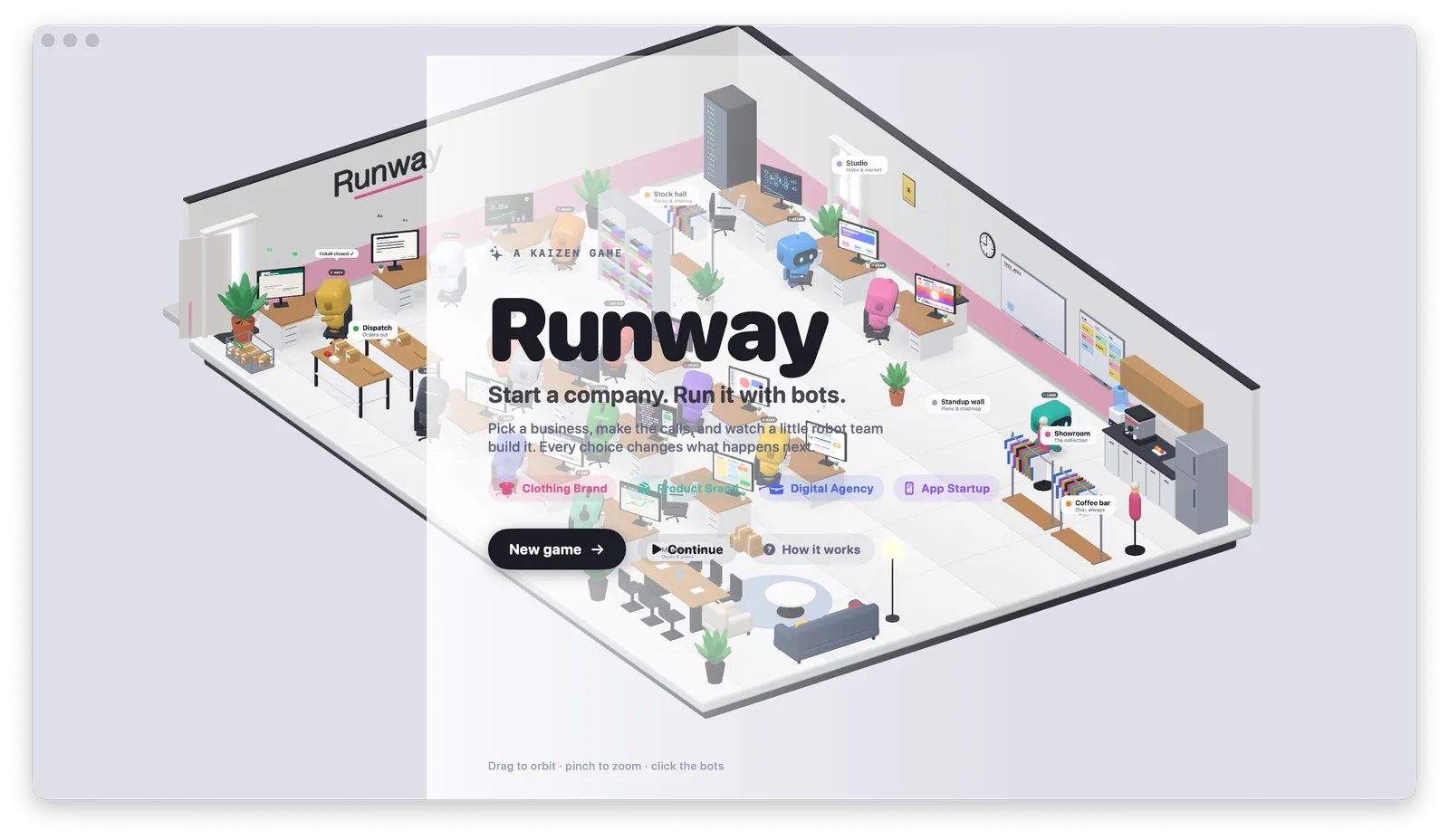
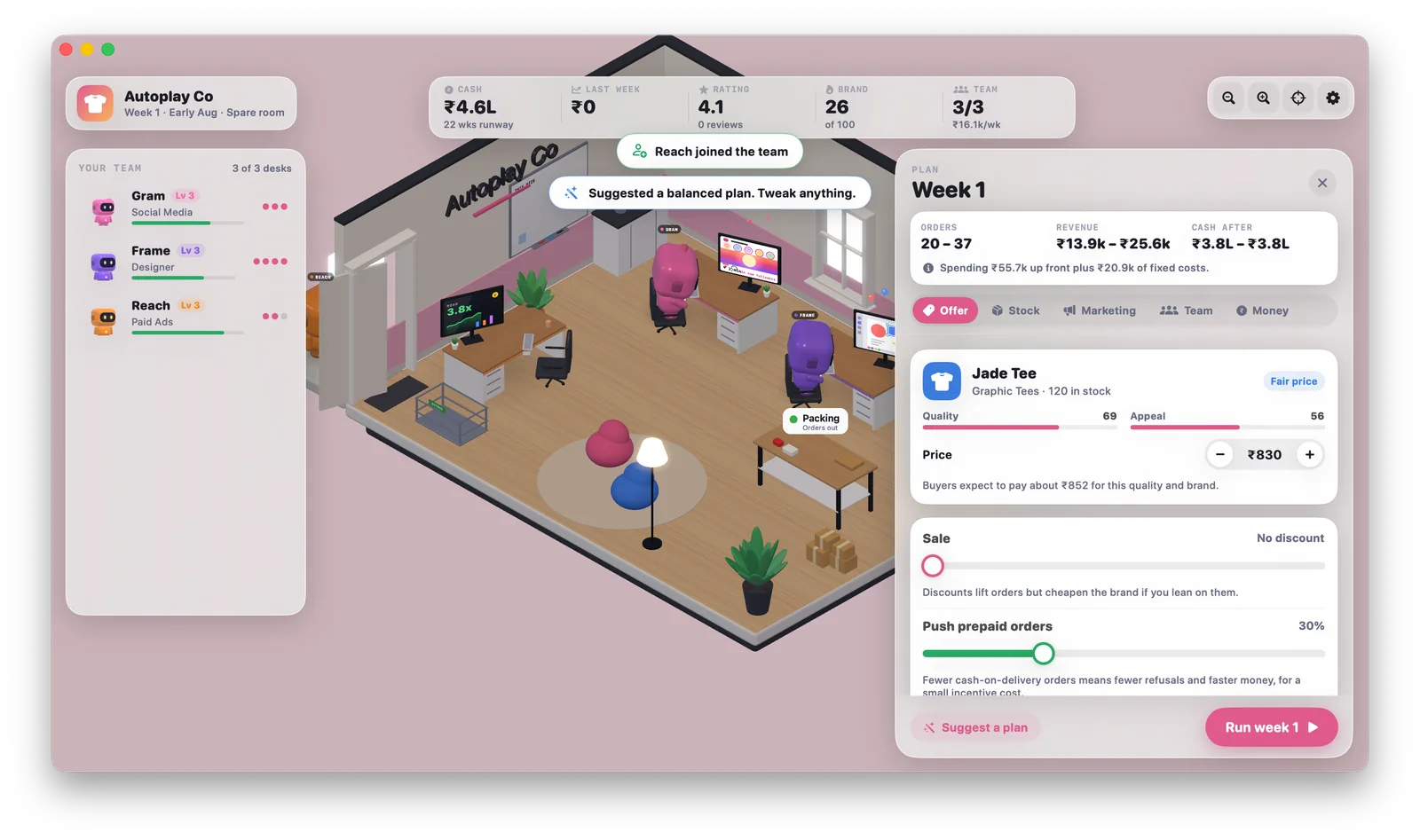
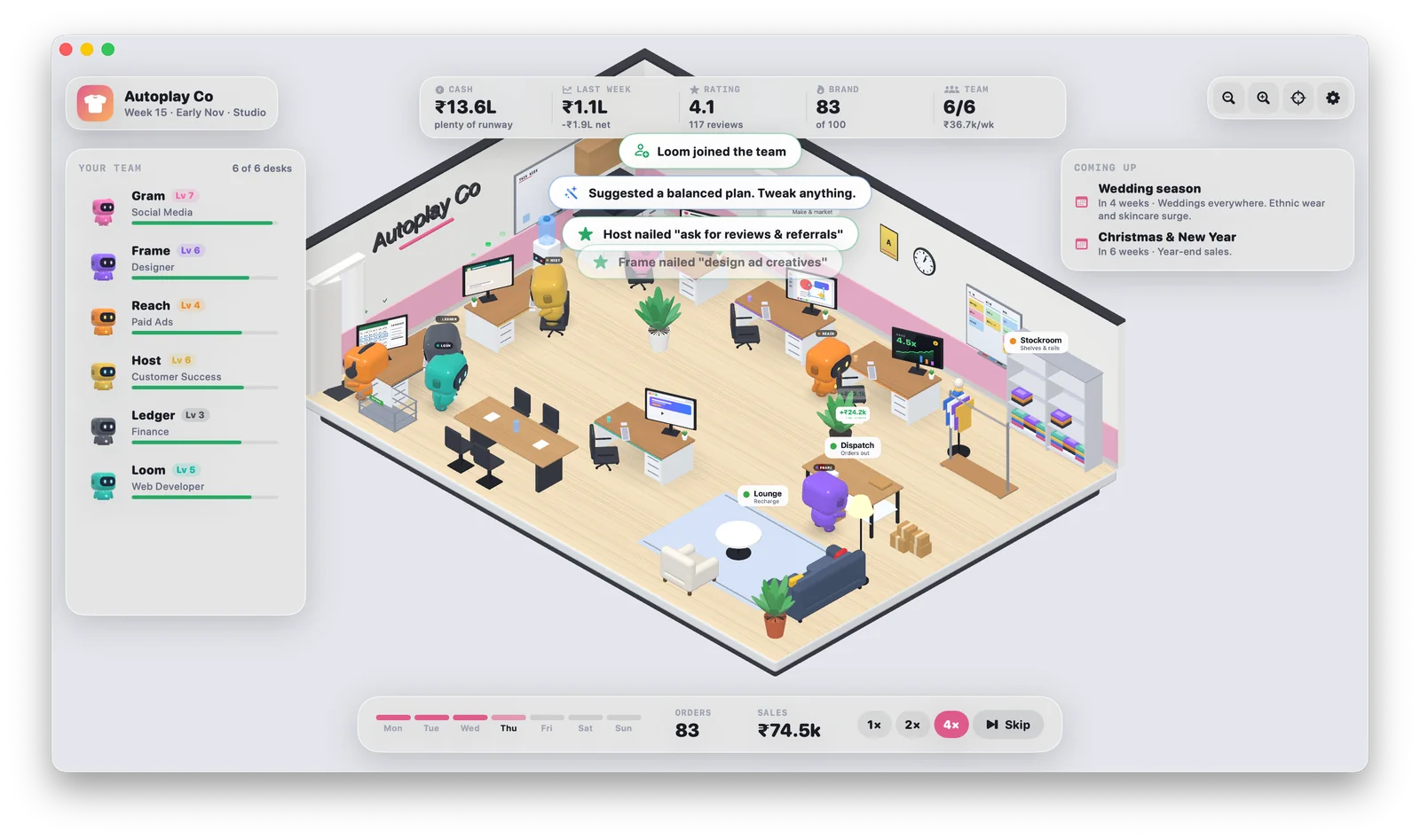
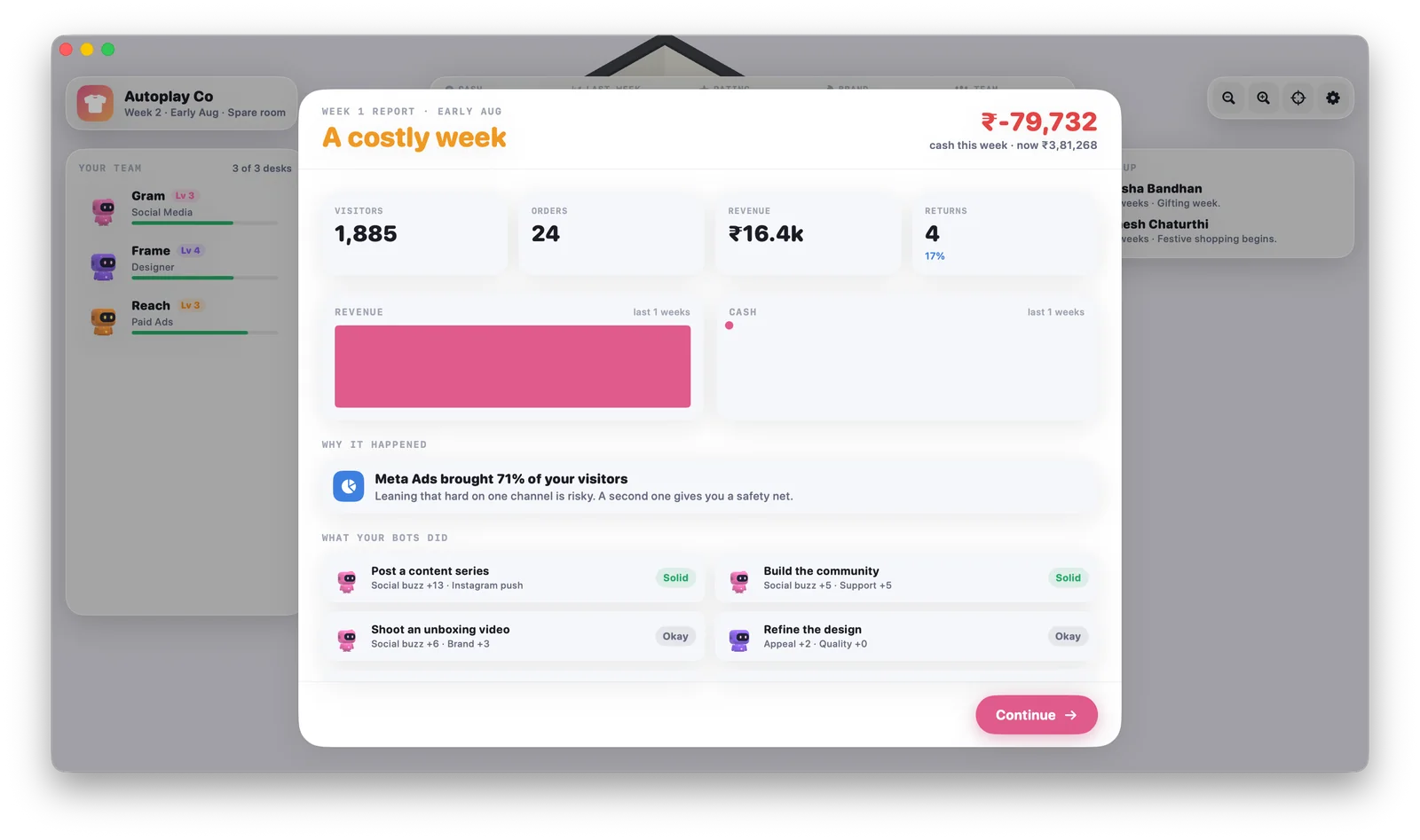
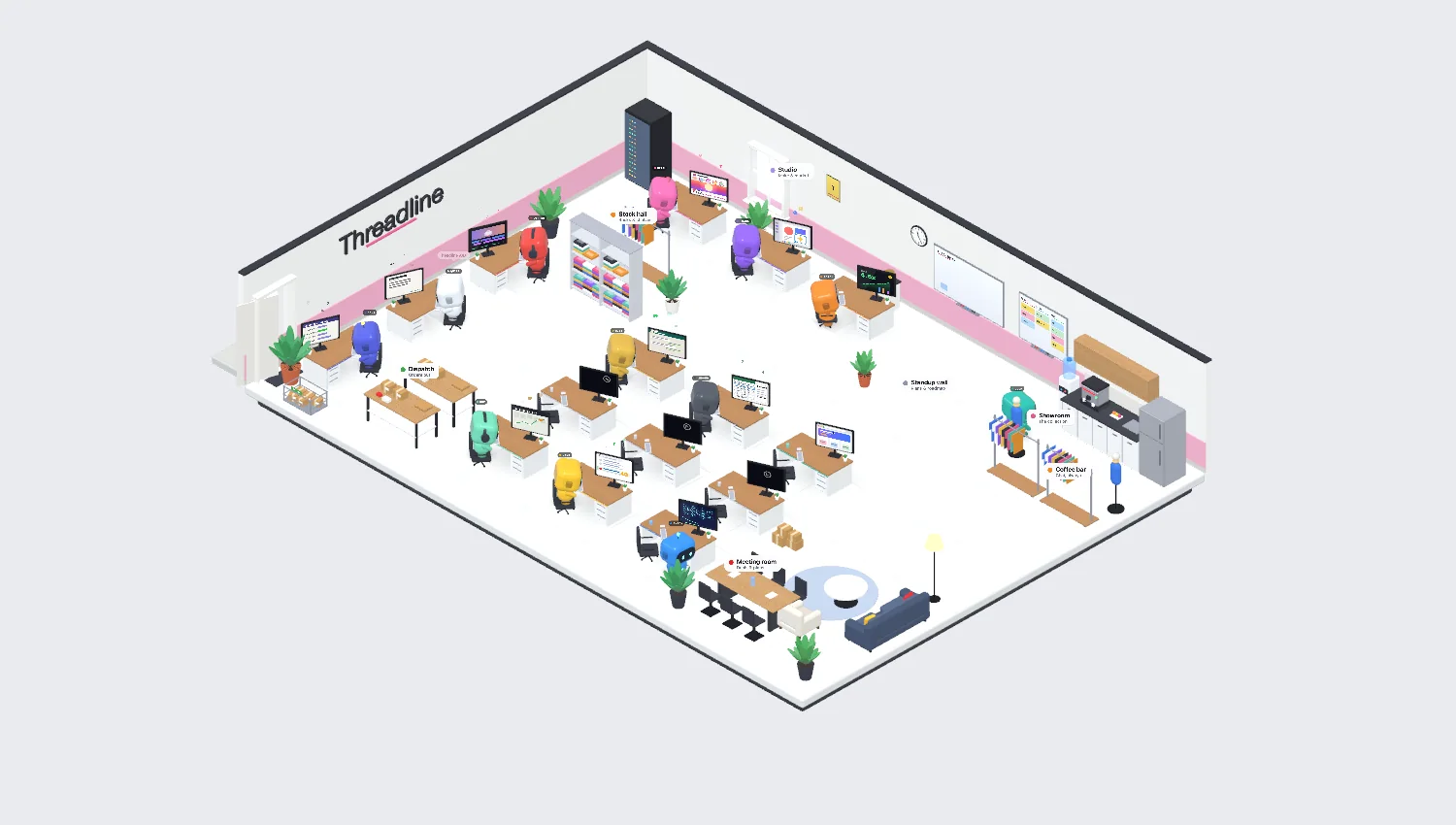
You start in a spare room with ₹5 lakh and two small robots. Make the calls each week, watch the office grow around you, and find out exactly why the report says “a costly week”.
Runway isn’t signed with an Apple developer account yet, so macOS gets suspicious on the first launch. One-time setup, about a minute.
1
Download and open the DMG
Fill in the form above. Your browser saves Runway-1.1.dmg into Downloads. Double-click it.
Runway-1.1.dmg4.7 MB · Downloads
2
Drag Runway into Applications
A small window opens. Drag the Runway icon onto the Applications folder, then close the window.
RunwayApplications
3
Open Runway. Your Mac says no.
That’s expected. Click Done. Don’t click Move to Trash, or you’ll have to start again.
“Runway” Not Opened
Apple could not verify “Runway” is free of malware that may harm your Mac or compromise your privacy.
DoneMove to Trash
4
Tell your Mac it’s okay (once)
Open System Settings → Privacy & Security, scroll down to Security, find “Runway was blocked”, click Open Anyway and confirm with Touch ID or your password.
On macOS 14 Sonoma you can skip all that: right-click Runway in Applications, choose Open, then Open again.
Security
Allow applications from App Store & Known Developers
“Runway” was blocked to protect your Mac.Open Anyway
5
Play
Open Runway again. Pick a business, name your brand, choose two bots and run week one. It saves itself every week, so you can quit whenever the cash gets scary.
New game →
Why is my Mac making this so dramatic?
Apple charges developers a yearly fee to “notarise” apps, and Kaizen hasn’t paid it yet. Without it, macOS warns about every new app, however harmless. Runway works offline, has no ads and no account, and doesn’t ask for any special permissions. If you’d rather not, don’t install it.
It says Runway is “damaged and can’t be opened”
It isn’t damaged. macOS just attached a quarantine flag to the download. Open the Terminal app, paste this, press Return, then open Runway again:
xattr -cr /Applications/Runway.app
I can’t find “Open Anyway” in Settings
The button only appears after you’ve tried to open Runway, and only for about an hour. Open Runway once more from Applications, click Done, then go straight back to Privacy & Security and scroll to the bottom of the Security section.
08 Questions
Things people ask.
Is it really free?
Yes. No ads, no in-app purchases, no catch. We want people to play it and tell us what they think.
Windows, iPhone, Android?
Mac only for now. If you want it somewhere else, tell us in the box on this page. We count.
Where is my save?
Runway saves automatically after every week to ~/Library/Application Support/Runway. Deleting the app doesn’t delete your save.
Can I play with friends?
Not yet. It’s single-player. You can, however, compare grades and lie about them.
How do I delete it?
Drag Runway from Applications to the Bin. To wipe your save too, delete the Runway folder shown above.
Who made it?
Kaizen Digital Media, a small studio that builds websites, apps and games. See what else we do.
Did you like it?
Tell us. A message to the whole studio, read by humans (and one intern).
Thank you. Chai has been told.
If you liked it, the best thing you can do is send it to one friend who enjoys running things.
 Runway